
ThinkLens
Turn complex documents into clear knowledge cards.
Upload PDFs, long documents, or code materials. Ask follow-up questions, generate structured knowledge cards, translate pages, and export reusable project knowledge.
 ThinkLens Workspace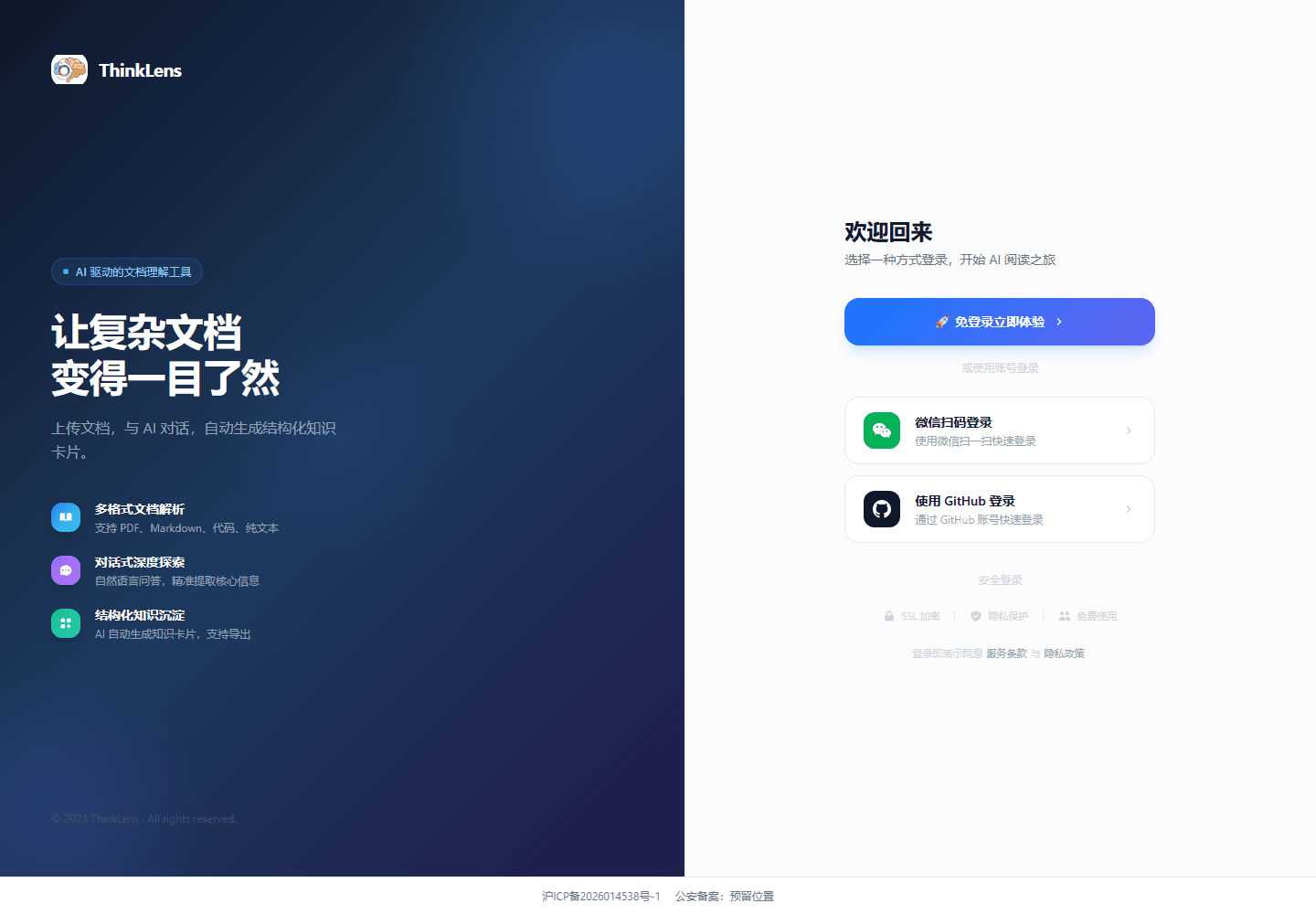
More than summarization. ThinkLens turns reading into reusable knowledge.
The workflow mirrors how serious reading actually happens: read the source, ask questions, organize findings, and return to them later.
Ask around the document
Ask follow-up questions, unpack passages, compare viewpoints, and generate next questions based on the uploaded source.
Knowledge cards
Extract concepts, conclusions, evidence, and actions from long documents into reusable project knowledge.
PDF translation
Translate pages while reading foreign papers, manuals, or reports, with room for natural phrasing and domain terms.
Source context
Keep answers tied to document context and page cues so you can verify the reasoning against the original source.
Project libraries
Group PDFs, text, code, and notes into one topic so your research grows as a connected body of knowledge.
Export and share
Export knowledge pages as Markdown or PDF for Notion, Obsidian, meeting notes, or team sharing.
Built for people who need to read carefully.
The website now speaks to real workflows, not just a list of generic AI features.
Students and researchers
Read papers, textbooks, and references while tracking arguments, methods, findings, and follow-up questions.
Industry analysis
Break down reports, policies, financial filings, and competitor research into reusable judgment notes.
Product and engineering
Understand requirements, technical plans, and API docs with less handoff loss and fewer missed details.
Legal and consulting
Surface risks, definitions, obligations, and open questions from contracts, diligence material, and long reports.
From reading to knowledge in three steps.
ThinkLens is not a one-shot summary box. It turns documents into sources you can question, organize, export, and share.
Upload sources
Create a project and upload PDFs, text, or code files. Keep multiple sources together around one topic.
Read and ask
Ask beside the reader. Let AI explain concepts, summarize chapters, extract evidence, or translate the current page.
Save knowledge
Save generated cards as knowledge pages, then revisit, refine, export, or share them with your team.
Choose the right AI model for the job.
Some tasks need deeper reasoning, others need speed or stronger Chinese fluency. ThinkLens makes model choice part of the workflow.
Switch models in one workspace
Match models to reading, translation, and summary tasks
Manage model settings server-side
Start free, upgrade when the workflow earns it.
The site presents clear product tiers while leaving room to finalize commercial pricing before launch.
Free
For light exploration and occasional document work.
- 10 AI conversations per month
- Document projects
- Basic knowledge cards
- PDF reader
- Community support
Plus
For individuals who read papers, reports, and work documents regularly.
- Higher AI conversation limits
- Multi-model switching
- PDF bilingual translation
- Knowledge page export
- Early access to features
- Email support
Team
For teams building shared knowledge around project materials.
- Team project spaces
- Member collaboration
- Private deployment consultation
- Custom model integration
- Dedicated technical support
What visitors need to know before trying it.
These answers clarify product boundaries, capability, and trust signals.
Which document formats does ThinkLens support?
The current focus is PDF, plain text, and common code files. Word and Excel support can be expanded in later releases.
Can AI answers reference the source?
The product is designed to preserve document context and page cues so you can verify an answer against the original source.
Is it useful for foreign-language papers or English reports?
Yes. You can translate while reading, ask for terminology explanations, or rewrite dense material in clearer language.
Is document content secure?
The website should make clear that content is used only for the authorized analysis flow and model settings are managed server-side, so users do not expose API keys in the browser.
Can teams use it?
Team spaces, shared projects, and private deployment can be offered through consultation while real team requirements are collected.